Inline Actions for Pro Navigate
Rethinking how brokers interact with Rocket Pro Navigate (AI chatbot) and establishing scalable interaction patterns for future features.
DURRATION
9 Weeks
ROLE
Product Design Intern
TOOLS
Figma, Claude Desktop
STATUS
Engineering Handoff
AT A GLANCE
Pro Navigate initially relied solely on text-based responses. As adoption and use cases scaled, we needed richer interaction models to streamline workflows. I designed an inline-action framework which now lives as a standardized design pattern that serves contextual next steps directly in the chat, eliminating repetitive typing and accelerating task completion.
~57% Estimated Time Saved
When creating a flyer with Inline Actions
3 Design Jams
Getting insight across disciplines
~24 iterations
Formal critique + personal critique
REDESIGN OUTCOMES
A system for success
A guided input for longer conversations
Before this was created, the AI would output a series of questions and proposed answers hidden in a wall of text, this breaks it up in bite sized pieces for easier understanding and response.


Confirmation gate selector
This pattern is what started this project because of its simple nature to either accept, or decline the AI's actions. But quickly my mentor and I realized this is important to give human input for larger decisions.
Only growing use-cases
While I share a couple ways that these actions can be shown in the current AI chatbot, with Rockets innovative features rolling out weekly these cases will only grow. Even having a use case with another team member as I was ending my internship.

KEY MOMENTS
Clarity in the details
Due to this pattern focusing on one use case initially, it forced me to hone in on each design decision to effectively portray information needed in these actions. This meant defending decisions like button placement, alignment, and explorations of hierarchy to achieve the final result. Creating a new pattern also posed a challenge of how it can still live within the new design system while creating new assets. Something that rapid iteration and not hanging onto design helped greatly.
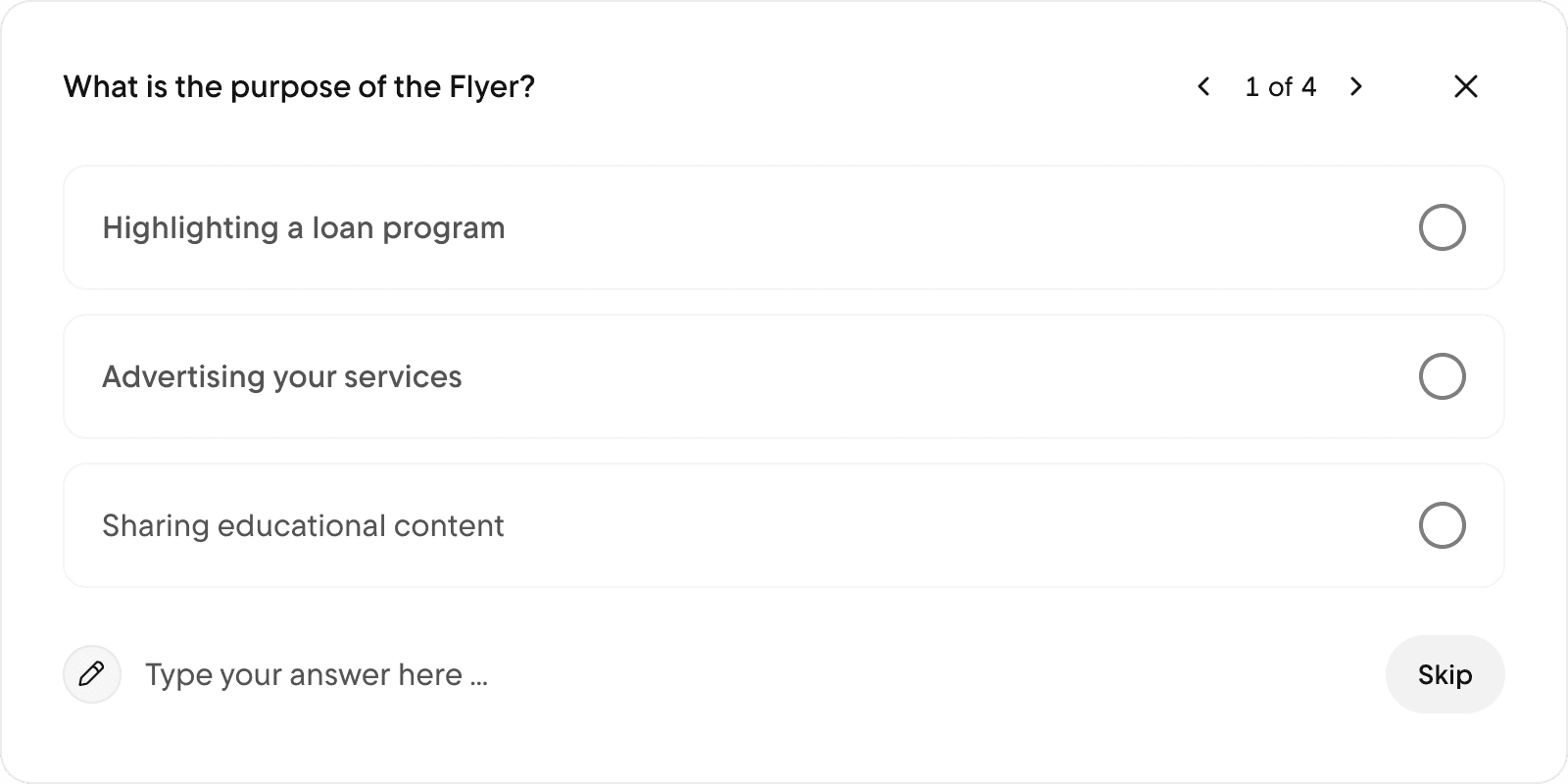


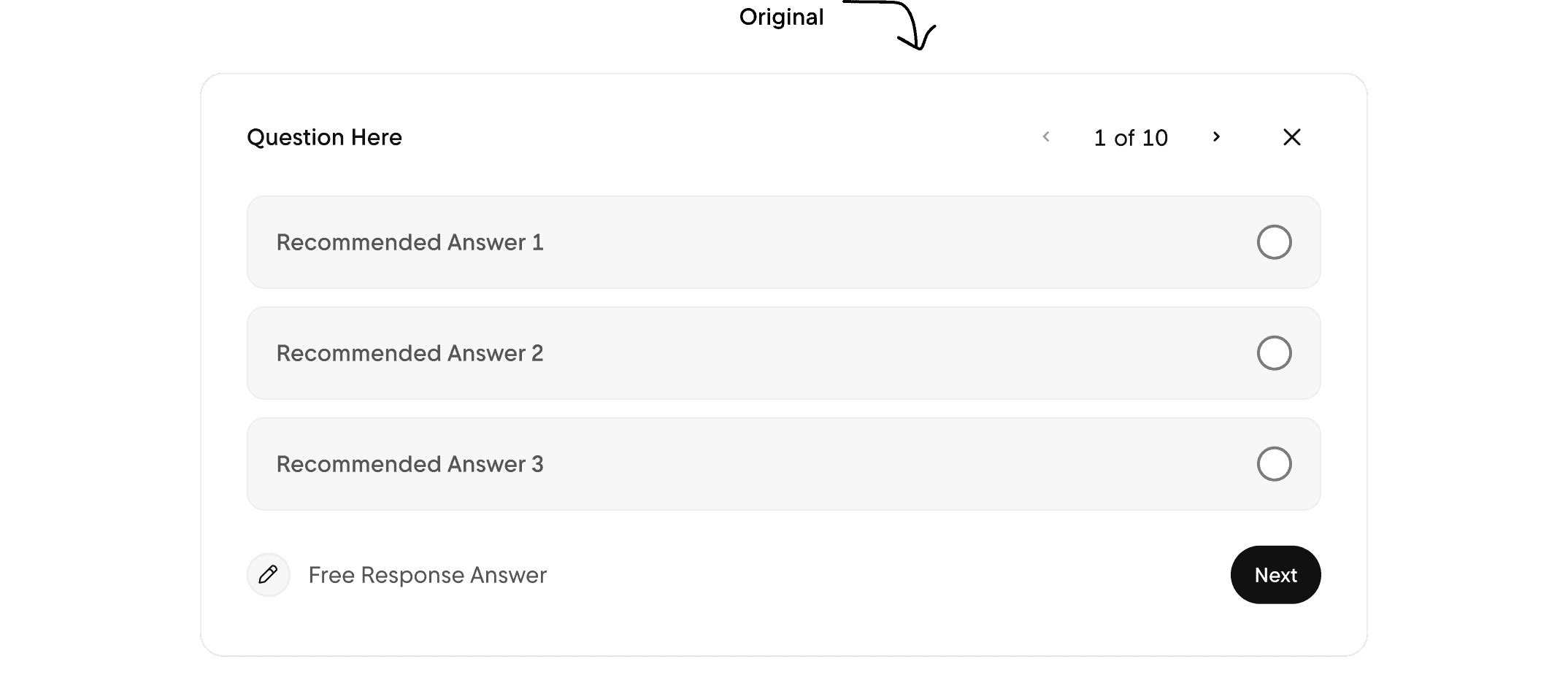

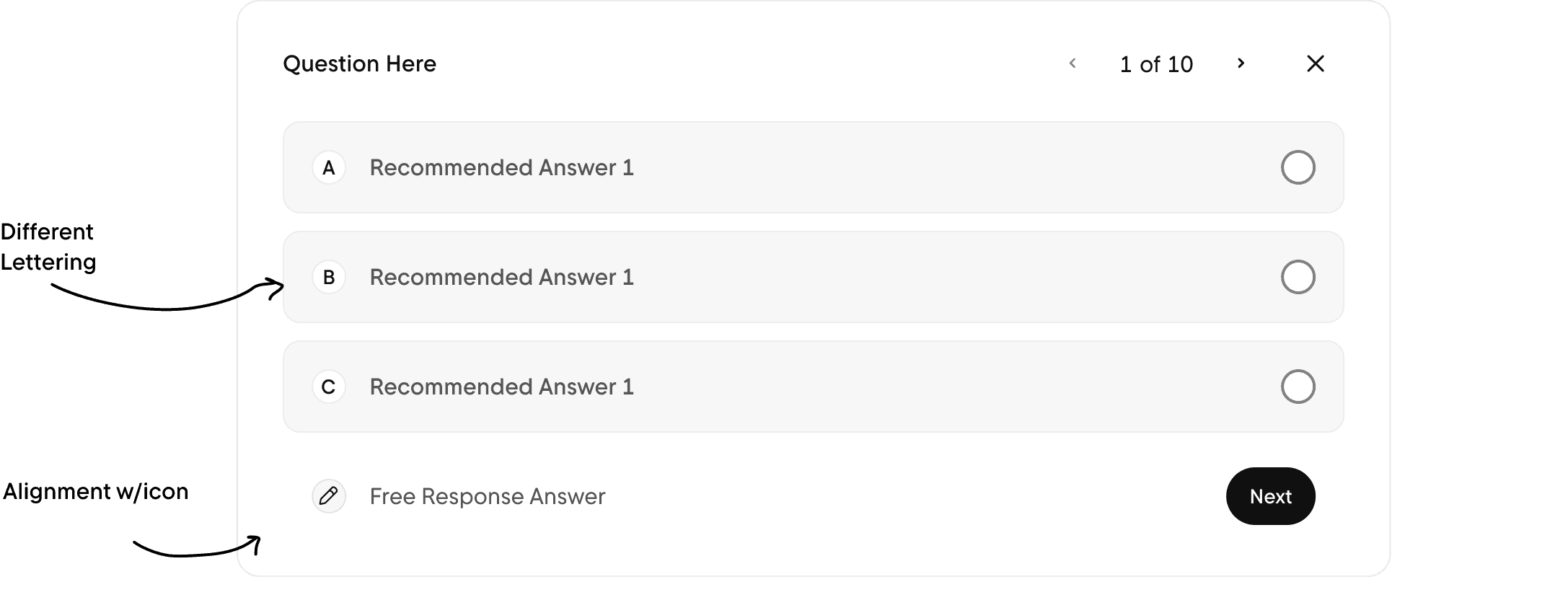
(Especially with the guided input)
IMPACT
Expected metrics to track
While this isn't officially "shipped" as a feature, inline actions prepares the Rocket Pro Navigate team for increased interaction with the product. These patterns are able to be used in other Chatbots and promote easier and faster interactions.
Number of Features that utalize this inline Action
Testing further metrics of speed efficiency with Inline Actions
Gaging overall like-ness of inline actions from the brokers POV
REFLECTIONS
To takeaway into my next opportunity
This was my first true feature to work on a real project, so it came with some learnings..
It takes time to adapt
While my mentor and leader agreed that I "hit the ground running" it takes time to perfect the systems and ways that companies operate. Learning the design system especially was a challenge at first, but now I even use systems in my personal designs. Overall, trust steady progress.
Projects can be hard to scope
This initially was something my mentor was pushing off since it was a smaller feature, but as seen, it turned into a whole design pattern to use across Pro Navigate. Being able to lean into this was amazing, giving me the opportunity to explore fast and as wild as I could.
OTHER PROJECTS
